
Get started
What is Synori.AI
A desktop workspace for AI coding agents — sandboxed execution, many models side by side and a human in control of every risky step.
Synori.AI is a desktop app for macOS on Apple Silicon. It gives AI agents a real place to work — your repository, a terminal, git, a browser and your tools — and keeps that place isolated from the rest of your Mac. Every session runs in its own lightweight virtual machine, the network stays closed until you open it, and risky actions wait for your decision.
What you can do with it
- Hand a task to an agent. Create an activity on a project directory, describe the work, and watch the agent edit files, run builds and tests, and report back.
- Put several models in one room. Address each model by name, let several answer in parallel, or delegate an errand to a background actor while the conversation goes on.
- Keep control. Choose how much an agent may do on its own, approve or deny risky steps, have a second model review the changes and roll back any turn.
- Use the models you prefer. Frontier APIs, local models and the coding CLIs you already pay for — Claude Code, Codex and Gemini CLI — in one catalog.
- Connect your tools. MCP servers, GitHub, web search, messengers and a built-in browser for testing what the agent builds.
The building blocks
| Concept | What it is |
|---|---|
| Activity | A room for one piece of work: participants, a workspace directory, a tool policy and the whole conversation. |
| Participant | A model — or you — in a room. Every model has a role and a short @name. |
| Session | The micro-VM an activity runs in, with your project mounted at /workspace/project. |
| Environment | Where sessions run: this Mac, or another Synori host you control over the network. |
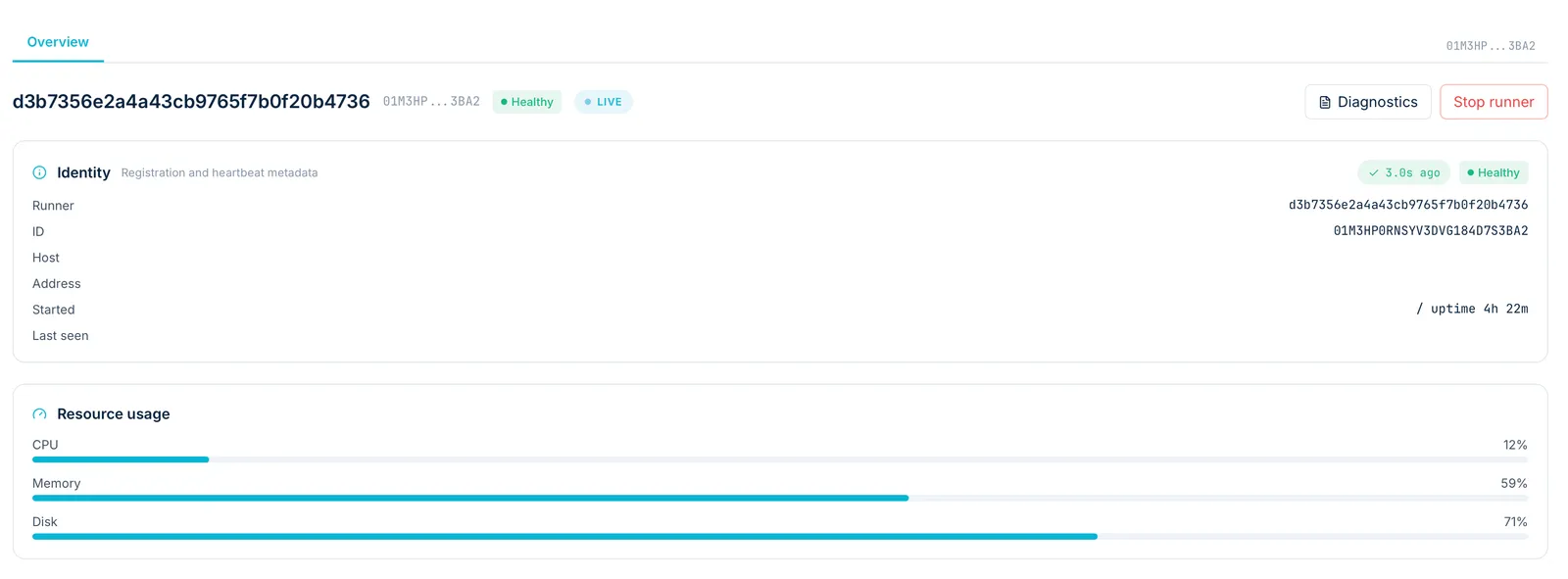
| Runner | The host process that boots and supervises session VMs and reports its health. |
| Provider | A source of models: an API, a local inference service or a coding CLI. |
| Workspace | Documents, plans, issues and artifacts that you and your agents share. |
Finding your way around
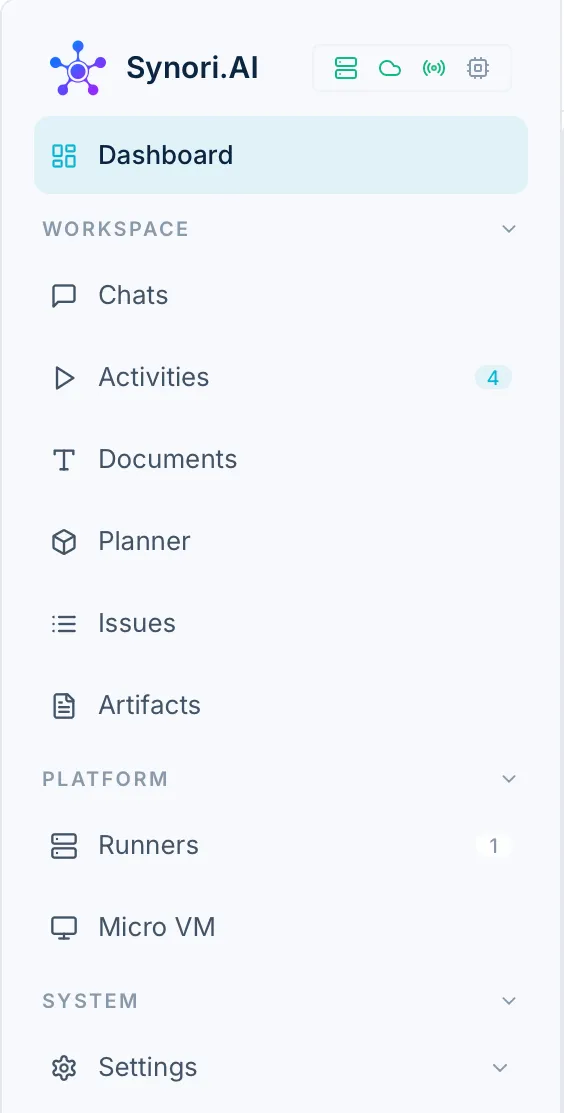
The sidebar splits the app into four parts:
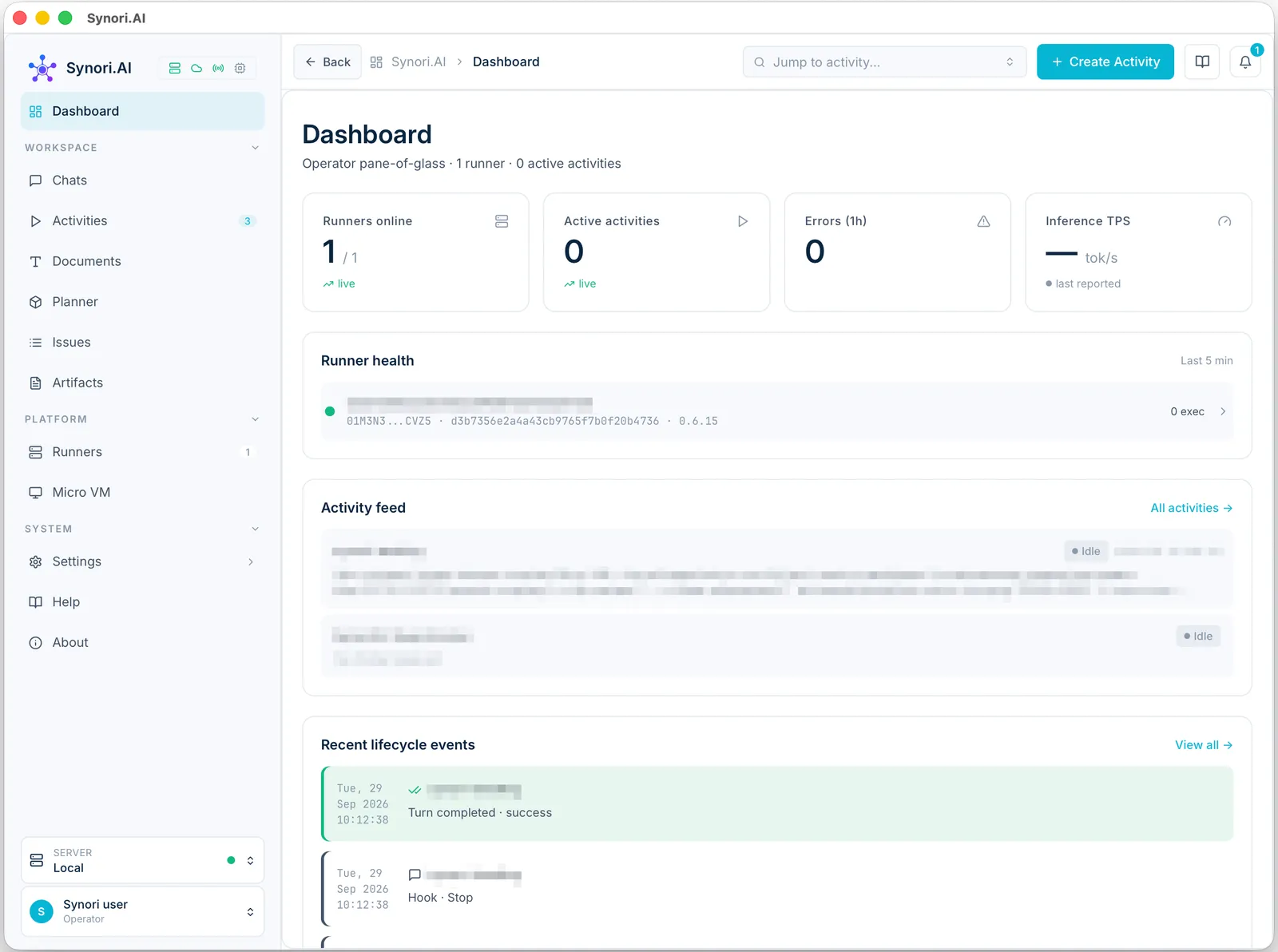
- Dashboard — runners, activities and inference at a glance.
- Workspace — chats and activities, and the documents, plans, issues and artifacts of the workspace.
- Platform — the runners that host sessions and the inventory of every micro-VM.
- System — the settings: general preferences, connectors, providers, environments, API keys, connections, the MCP proxy, remote access, messengers, internal tools, skills and hooks.
Where your data lives
App data and secrets are kept in an encrypted database on your Mac. Orchestration state — activities and chats — syncs with your Synori account over TLS. What you send to a cloud model goes to that model's provider; inference on a local model stays on the machine that runs it. There are no third-party analytics in the app. Security and data flow has the details.
Requirements and languages
Synori.AI runs on macOS 14 (Sonoma) or later on a Mac with Apple Silicon. Its interface is available in English, German, French, Spanish, Polish, Ukrainian and Italian. Install and update covers the rest.