Working with agents
Tools and integrations
What agents can reach from a room — the session, a built-in browser, platform tools, GitHub, MCP, skills, hooks and messengers.
Every tool an agent calls goes through the room's policy, and the risky ones wait for your approval.
In the session
Agents work in the session VM with a file system, a shell and git. The project is mounted at /workspace/project; extra host directories can be mounted read-only or read-write at /workspace/mount/<name>, and the documents, plans, epics and issues of your workspace appear as files under /workspace/cloud-data.
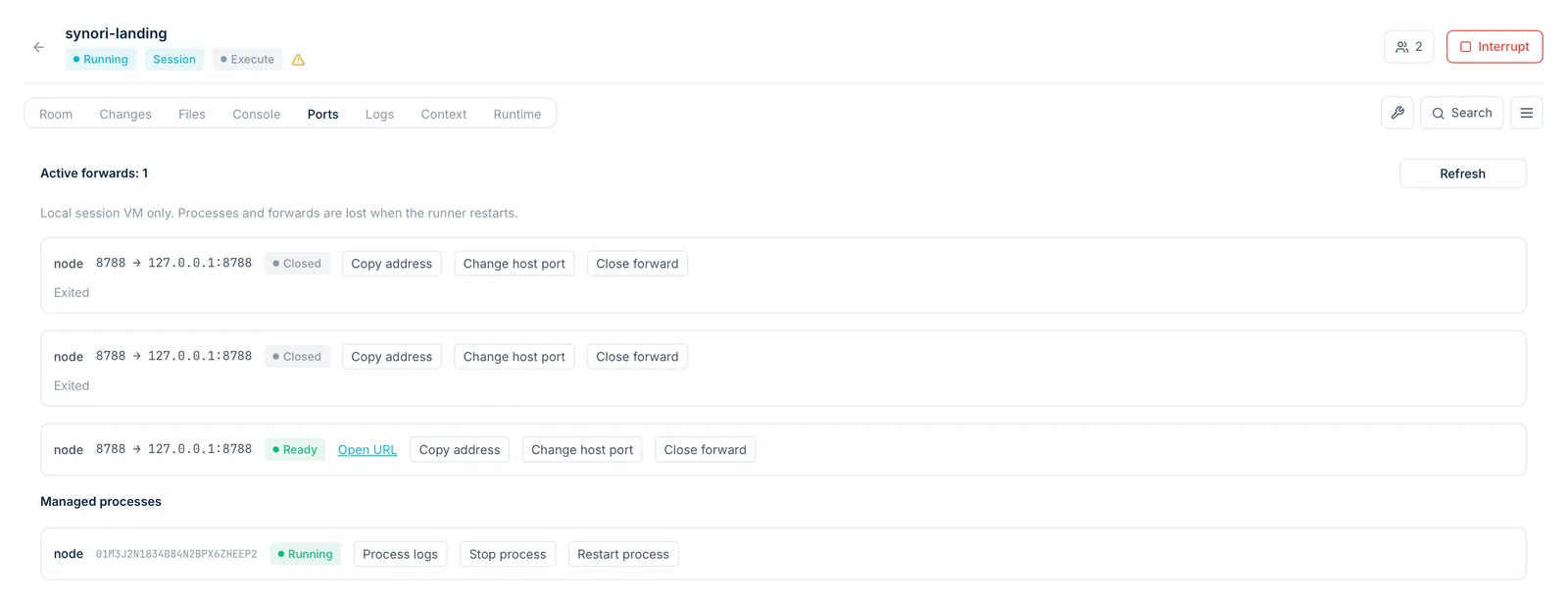
Agents can start dev servers as managed processes with declared ports. The Ports tab lists every forward with its process: open the address, change the host port, read the logs, or stop and restart the process.
Synori Browser
A Chromium browser that agents drive to test what they build: open the app served from the session, click, fill in forms, take screenshots and read the console and network logs. Every run gets an isolated, temporary browser context. Settings decide which origins it may open, and room rules can narrow it down by action and by target.
Platform tools
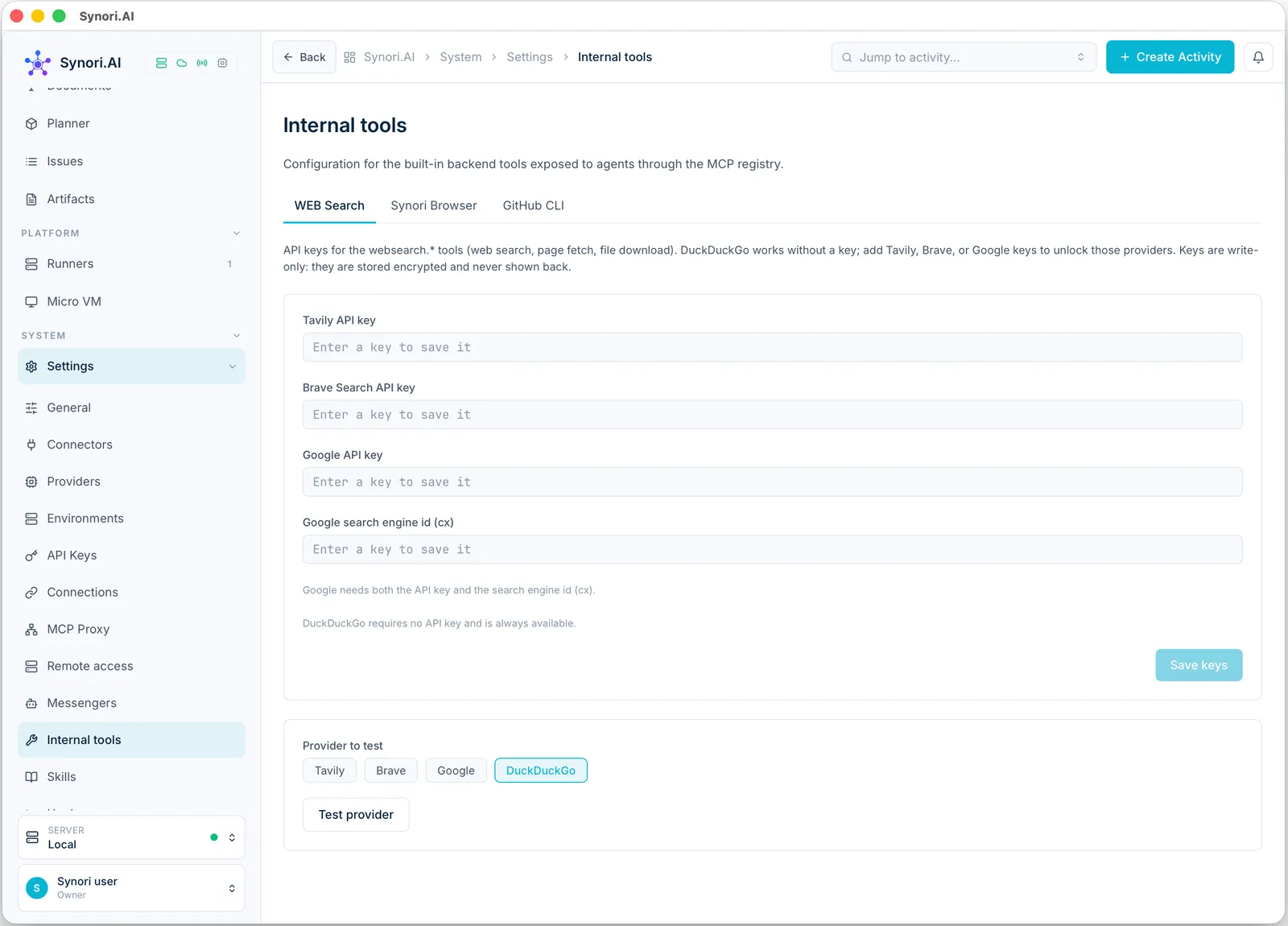
112 built-in tools work with the workspace: issues and epics, plans and requirements, documents, retrieval and code graphs. Web search works with DuckDuckGo out of the box; add a Tavily, Brave or Google key for more providers. Artifacts — Markdown, HTML, JSON or XML documents — are shared between chats and activities.
GitHub
A token profile connects GitHub. Agents can read repositories and files, work with pull requests, reviews and comments, issues, gists and CI checks, and search code, commits and repositories. Each room can bind its own token profile and default repository, and rules allow or deny individual actions per repository. There is no merge and no approval: agents review with comments or change requests only, and destructive actions stay off until you switch them on in Settings.
MCP
- Connectors. Add MCP servers by hand, or import the ones already configured in Claude Code, Codex, Gemini CLI, Qwen Code, Cursor, VS Code and Windsurf.
- MCP Proxy. Synori is an MCP server too. Choose which of its tools external clients see, generate an access token and copy a ready configuration for Claude Code, Codex or Gemini CLI. The proxy can listen on a dedicated port and accept only the networks you list.
Skills and hooks
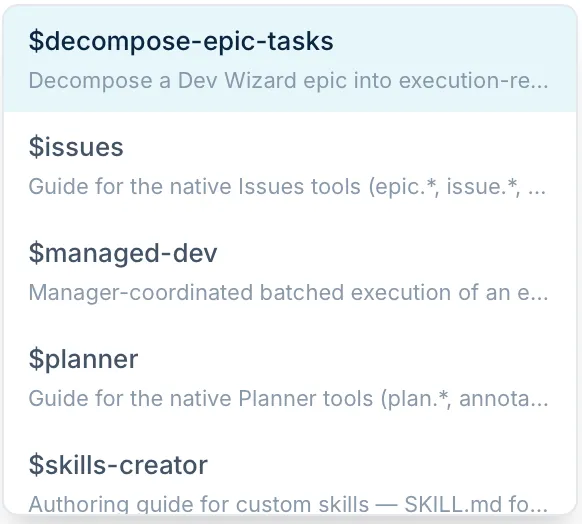
Skills are reusable instructions — one SKILL.md per skill — that a model loads when it needs them. Import skills written for Claude Code, Codex or Gemini CLI, switch them on per room, pin one to every turn, or type $ in the composer to load one into the next message.
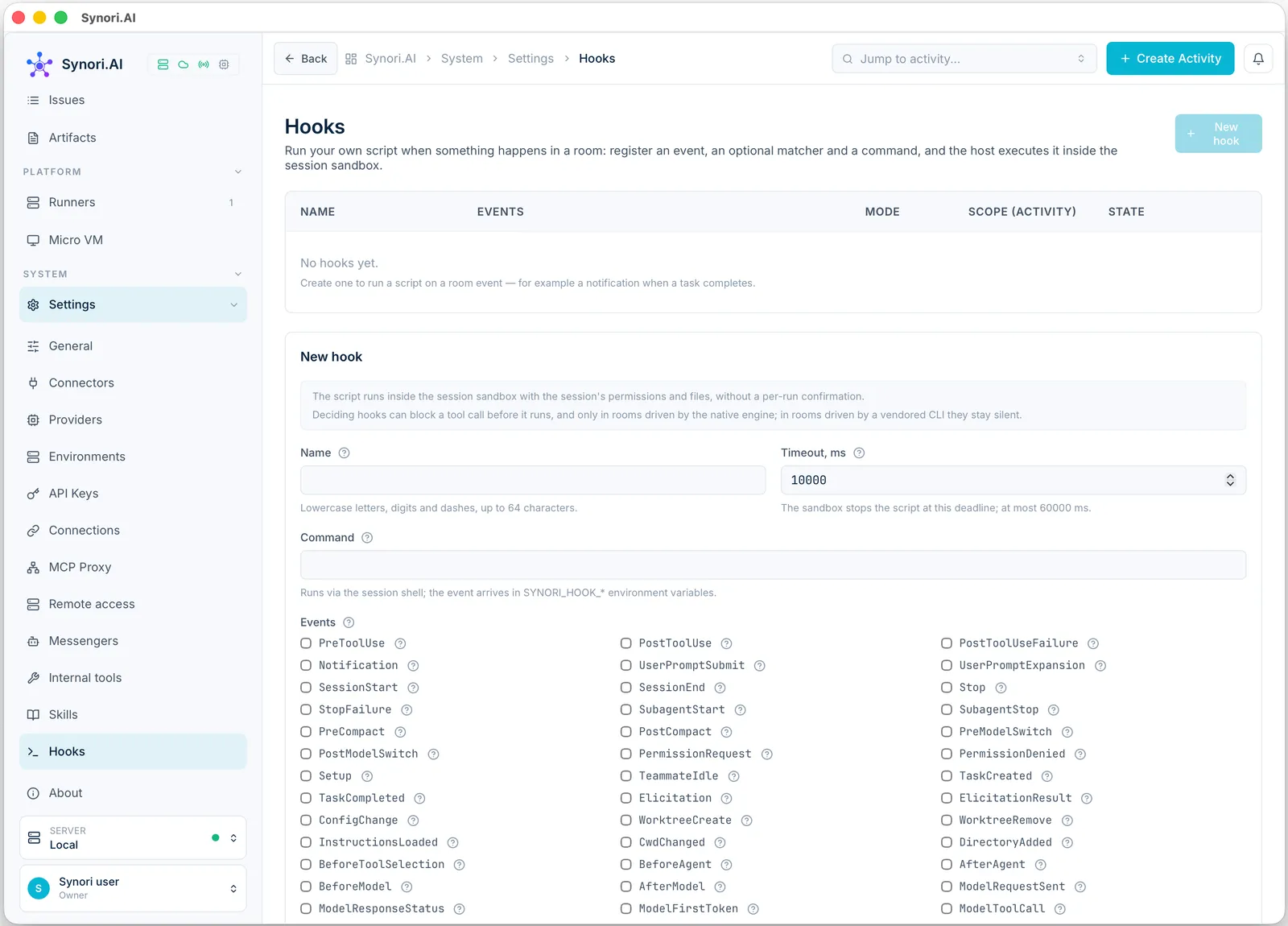
Hooks run your own script when something happens in a room: before or after a tool call, when a session starts, when a response ends, and on many other events. A hook runs inside the session sandbox. An observing hook only watches; a deciding hook can block a tool call before it runs, in rooms driven by Synori's own engine.
Messengers
Connect a Telegram, Slack or Discord bot and bind a chat to a room. A channel mirrors the conversation or works both ways, and it can push approval requests with buttons, so you can answer them from your phone.