
Working with agents
The workspace
Documents, plans, epics, issues and artifacts — what a project knows and what it still has to do, shared by you and your agents.
Beside the rooms, Synori.AI keeps what a project knows and what it still has to do: documents, plans, epics, issues and artifacts. Each has a screen of its own in the Workspace part of the sidebar. Agents reach the same records through platform tools, and inside a session as files under /workspace/cloud-data, where reading a file reads the live record and saving it updates the record.
Documents
Documents form a tree: a document can hold child documents, carry tags and annotations, and move to another place in the tree. Search finds documents by meaning as well as by keyword — on the Documents screen and for agents alike — and a document can be the starting point of a plan.
Plans
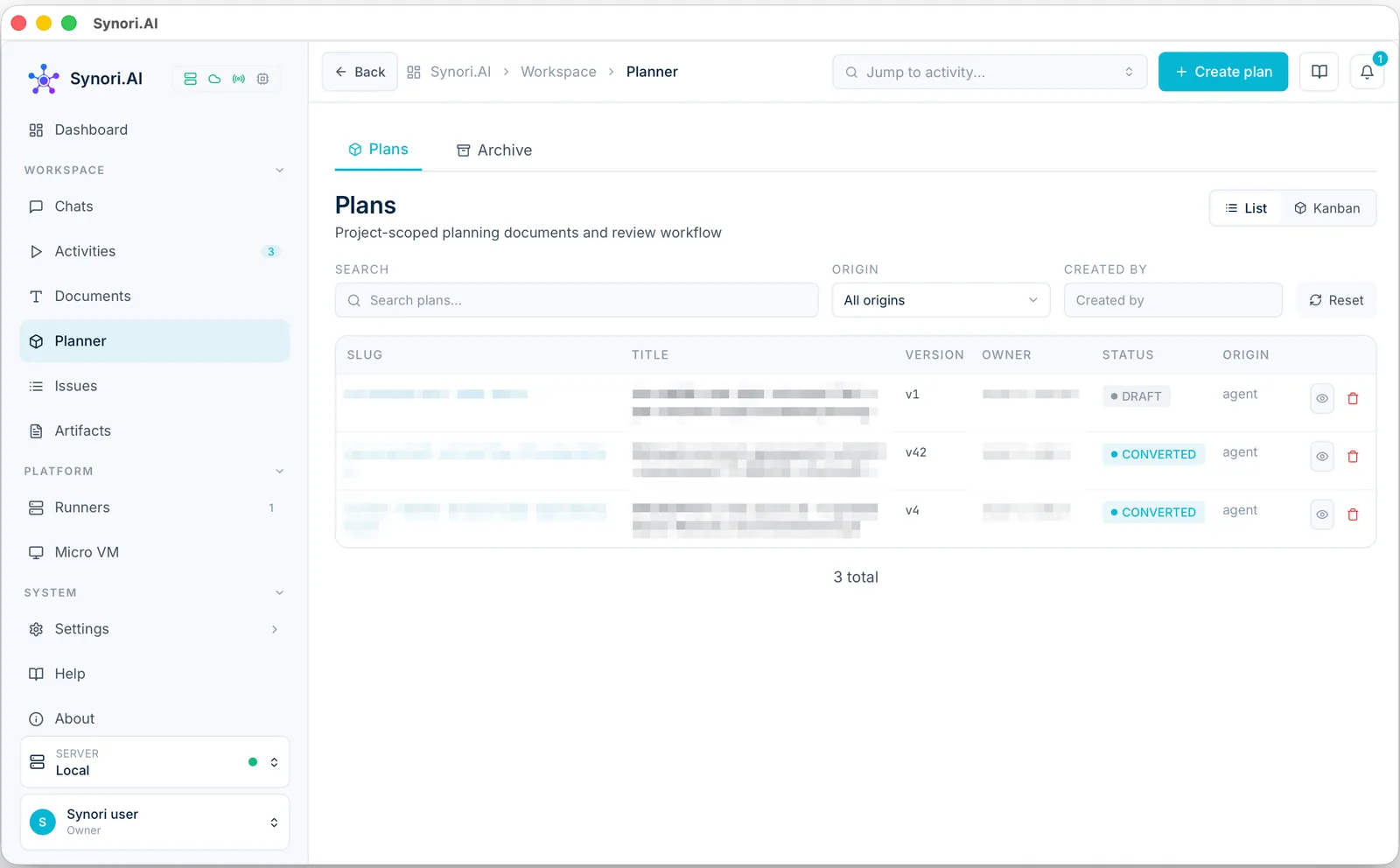
A plan describes a piece of work in Markdown. You write one yourself, start one from an issue, or have an agent draft it. Every saved change is a new version: compare any two versions, go back to an earlier one, leave annotations on the text, and attach requirements and files to the plan.
A plan goes through a review:
- Draft — the plan is being written.
- In review — it waits for a decision.
- Approved or Denied — an approval locks the plan against further edits; a denial asks for changes.
- Converted — the plan becomes an epic, and the annotations on its text can become the epic's issues.
The planner shows the plans as a list or as a board, where dragging a card records the review decision. Filters narrow the list by origin — written by hand, started from an issue or drafted by an agent — and by author.
Epics and issues
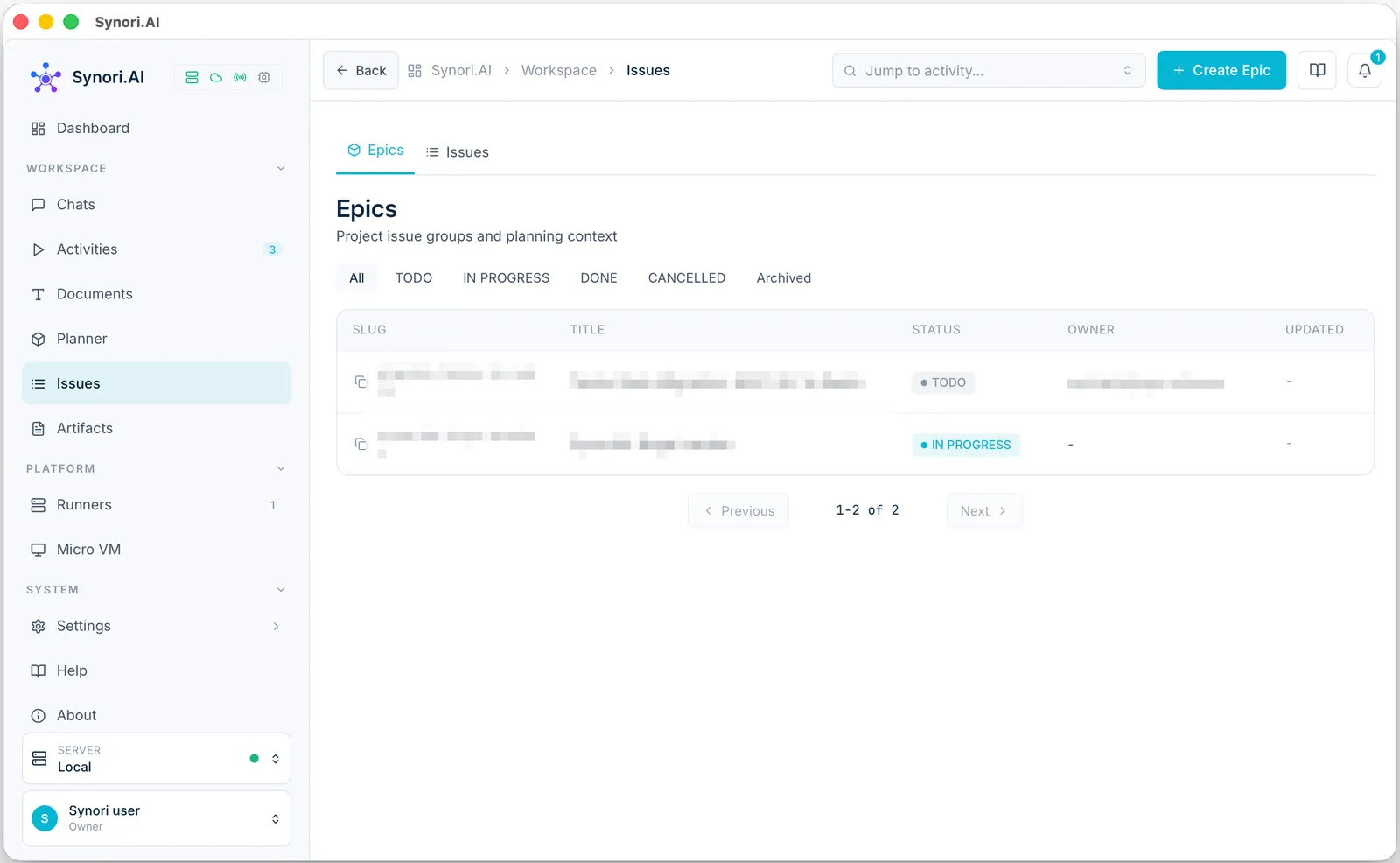
An epic groups the issues of one larger goal and keeps its planning context. Epics are to do, in progress, done or cancelled, and an archived epic leaves the list without being deleted.
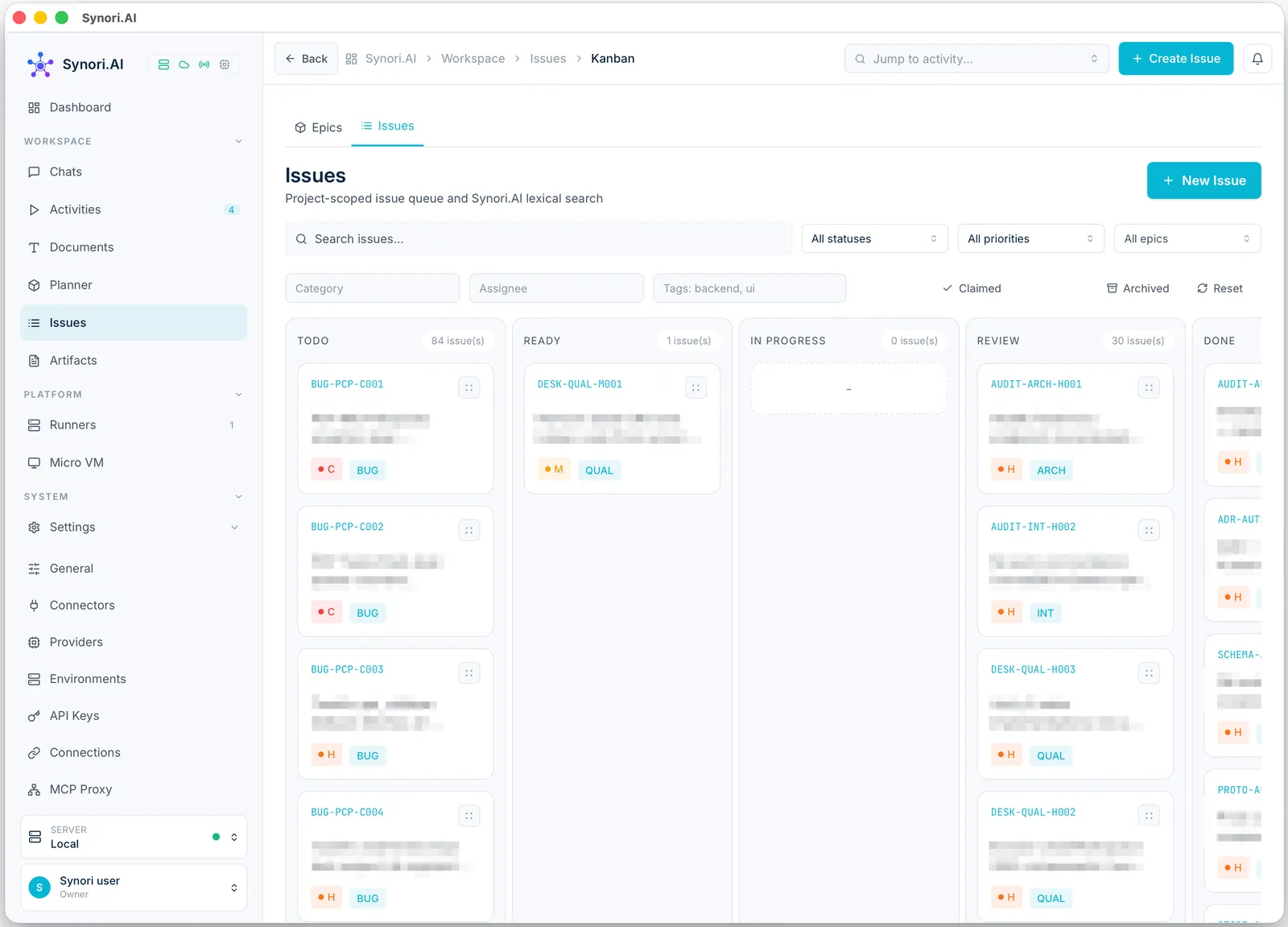
Issues carry an ID, a priority from low to critical, a category, tags and an assignee. An issue has five main statuses — to do, ready, in progress, review and done — plus blocked, partial, won't fix and cancelled. On the board a card moves only along the allowed transitions: nothing jumps from to do straight to done, and nothing moves out of done. Filters narrow the board by status, priority, epic, category, assignee and tags, and show the claimed or the archived issues. The graph view shows which issues block which.
Artifacts
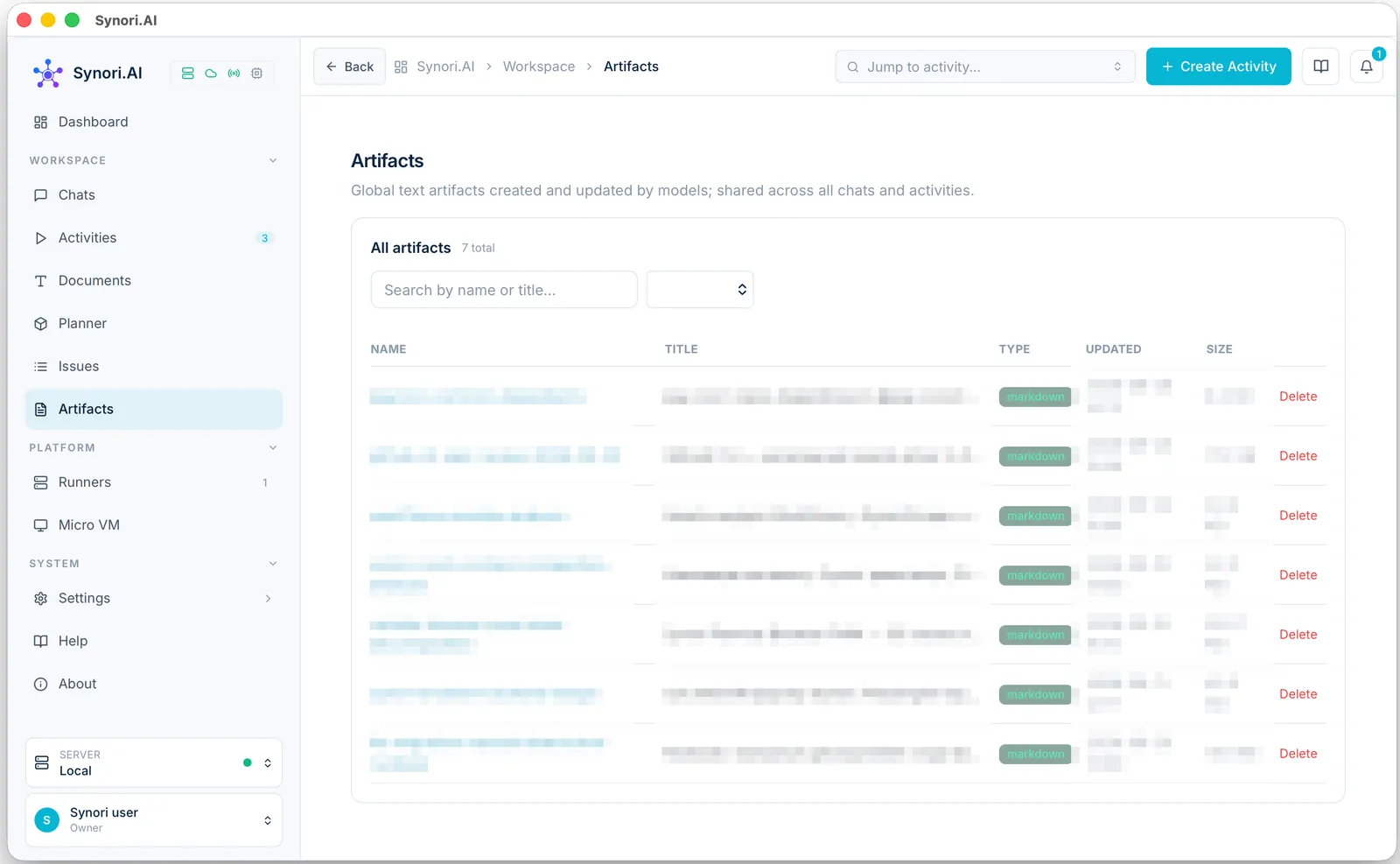
Artifacts are text documents — Markdown, HTML, JSON or XML — that models create and update. They are shared by every chat and activity: an agent can keep a report or a specification as an artifact, another room can read it and continue it, and a room can show an artifact inline in its conversation.
The platform tools that manage all of this are listed in Tools and integrations.