
Security
Security and data flow
How Synori.AI isolates agents, controls their network access, stores secrets and decides which data leaves your Mac.
Synori.AI was built isolation-first: agents get real power inside boundaries you set, and nothing important depends on a model behaving well.
Isolation
- Session VM. Every session runs in a lightweight virtual machine on Apple's Hypervisor framework, separate from every other session. Your project is mounted in, the host keeps the final say over every file operation, and hidden dot-files stay blocked unless you allow them.
- Agent VM. Coding CLIs such as Claude Code and Codex run in a VM of their own, apart from the session VM with your files. Their sign-in happens in a disposable VM as well.
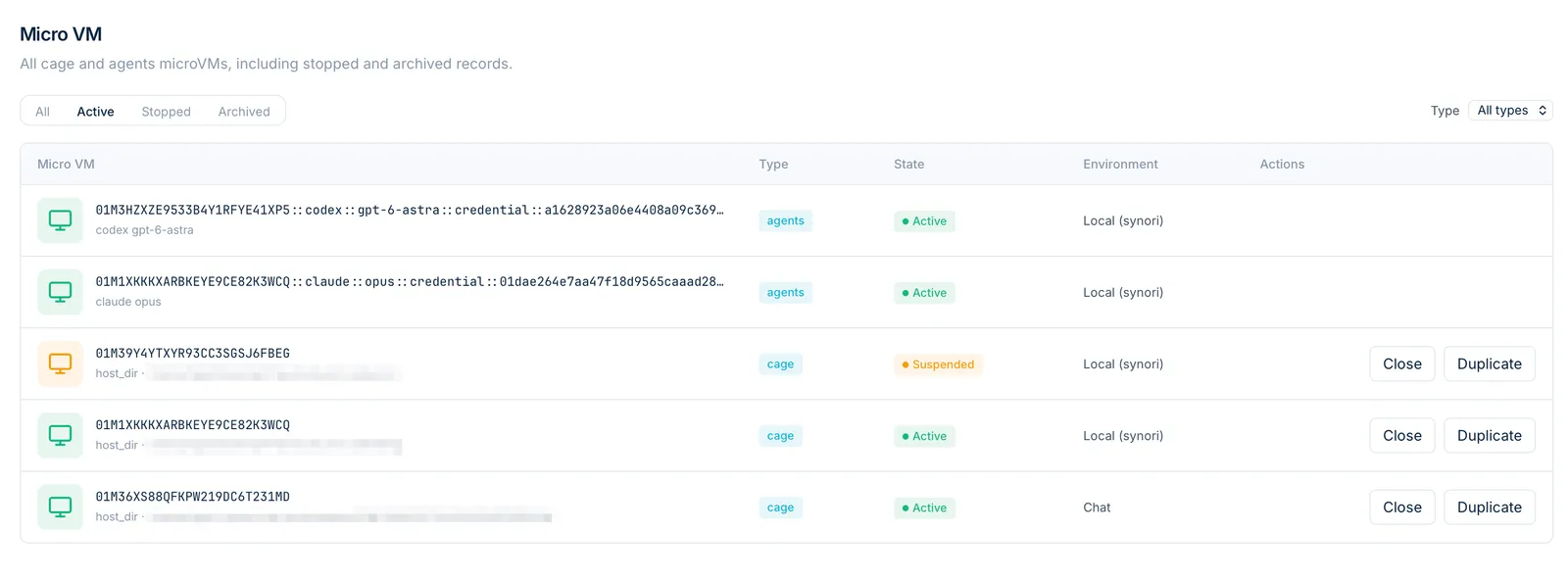
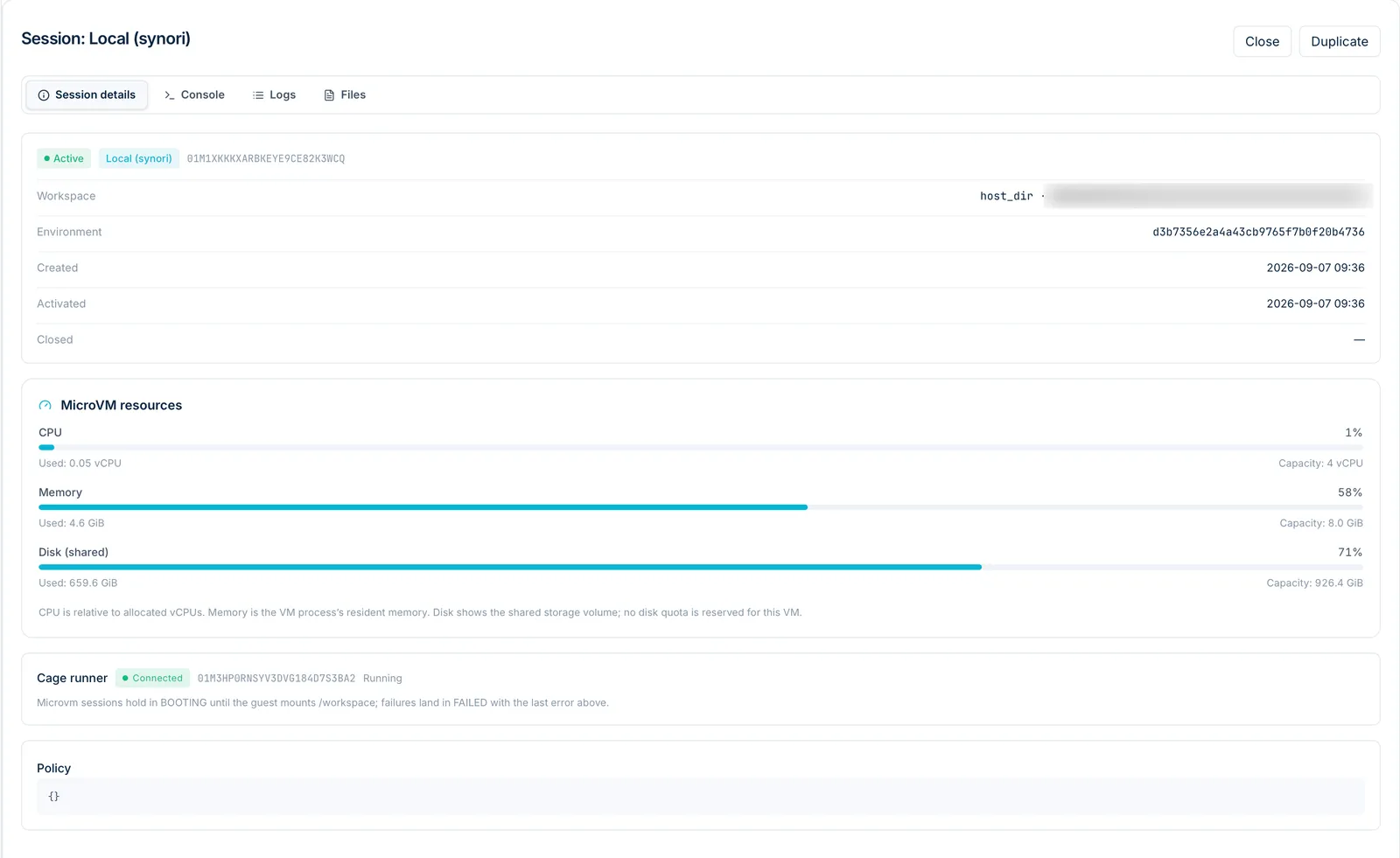
- Inventory and suspend. The Micro VM screen lists every VM with its state and its CPU, memory and disk use. An activity can be suspended — its VMs frozen with their memory intact — and woken later.
Network
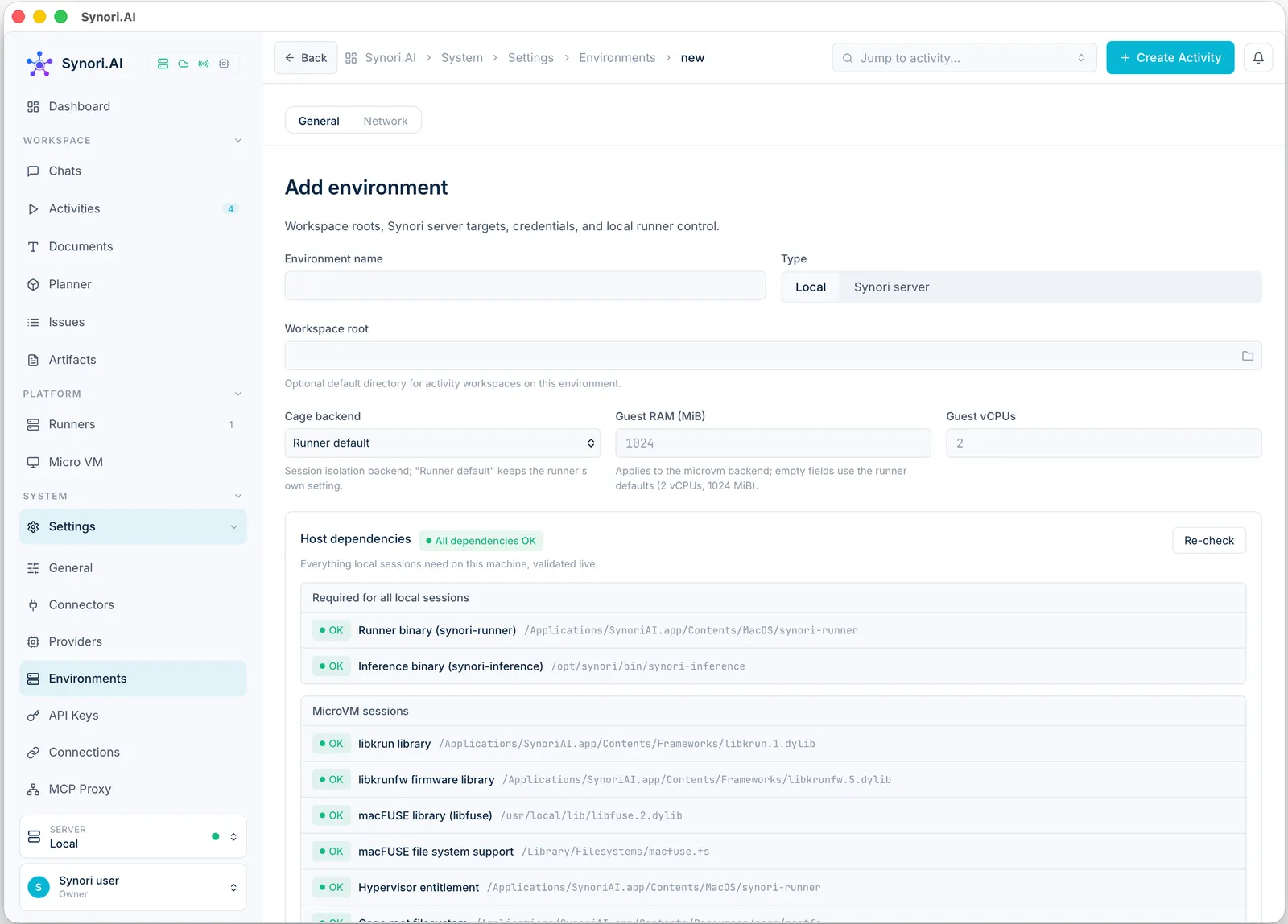
The session VM has no network at all by default. Opening it grants the domains you name and nothing else: exact host names or *.suffix patterns, with presets for Rust, npm, pip, Go, Ruby, GitHub, JFrog and Debian. Allowed traffic goes through a local proxy that either inspects it — terminating TLS with a private certificate authority — or passes it through by server name without decrypting it.
The agent VM reaches the hosts its vendor needs, through the same kind of proxy. A direct NAT transport exists for troubleshooting only; it enforces no allowlist, and Synori says so wherever it can be chosen.
Approvals and policy
Each room has a tool policy: an access mode — Plan, Auto-edit or Unrestricted — rules for commands, paths, the browser and GitHub, and approval cards for everything that asks. Git checkpoints let you roll back any agent step. Activity rooms shows how the pieces fit together.
Secrets
App data lives in an embedded database on your Mac. Secrets — API keys, tokens and credentials — are encrypted with ChaCha20-Poly1305 under a key the app manages itself, without system prompts. Secret fields are write-only: once saved, a value is never shown again. Credentials reach a session only through the environment and the credential groups you attach to it.
What leaves your Mac
| Data | Where it goes |
|---|---|
| Activities, chats and other orchestration state | Your Synori account, over TLS |
| Prompts and context for a cloud model | That model's provider |
| Inference on a local model | Nowhere else: it stays on the machine that runs the model |
| Usage analytics | Nowhere: there are no third-party analytics in the app |
Remote access
Another Synori instance can control this Mac over the network only once you turn remote access on. It has to present a remote control token, the listener can run with TLS, and only the networks you list may connect. Browser access from the web client is a separate switch, off by default and limited to the origins you allow.